Find where the detour began
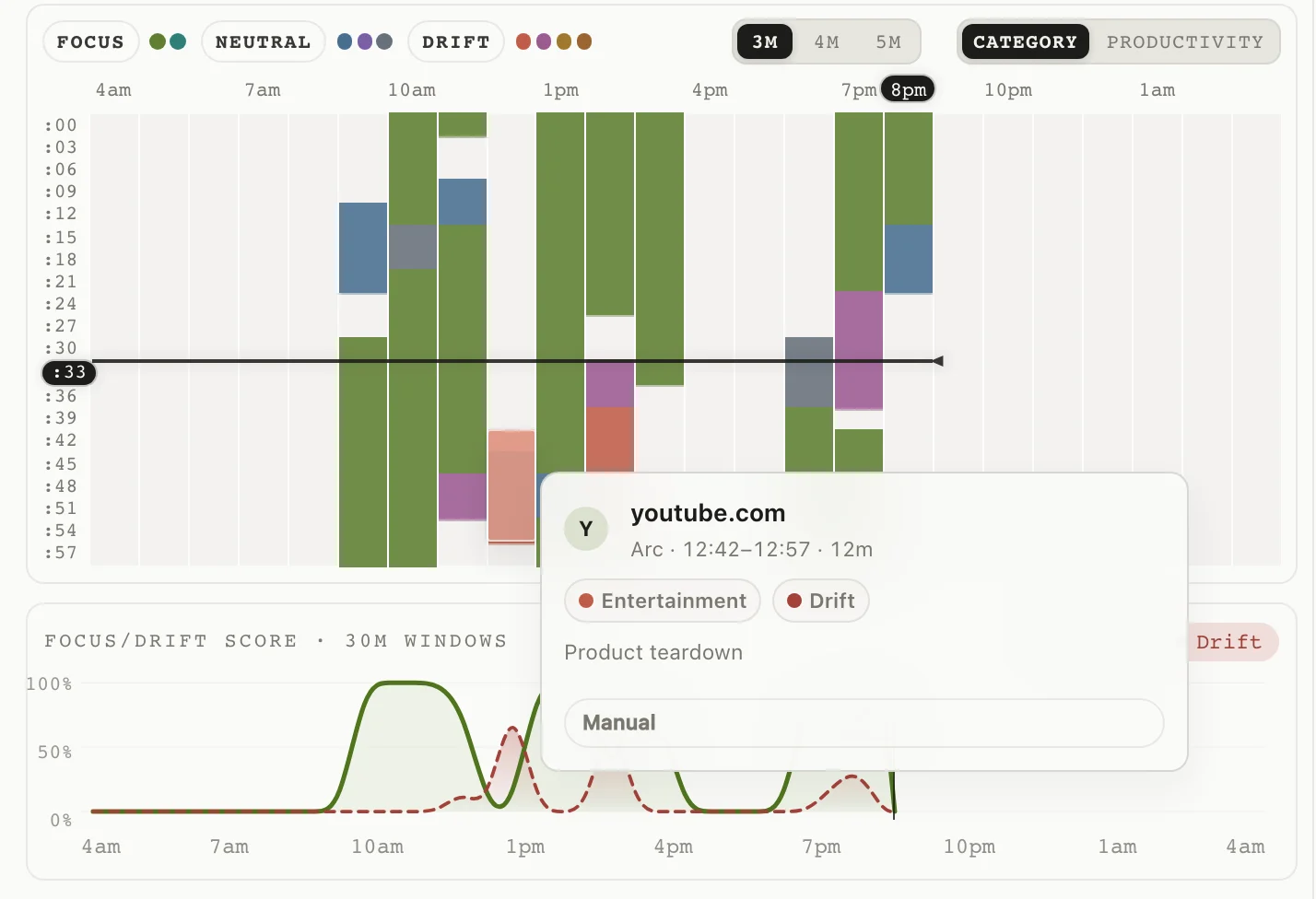
Look for stretches where useful research became unrelated browsing.
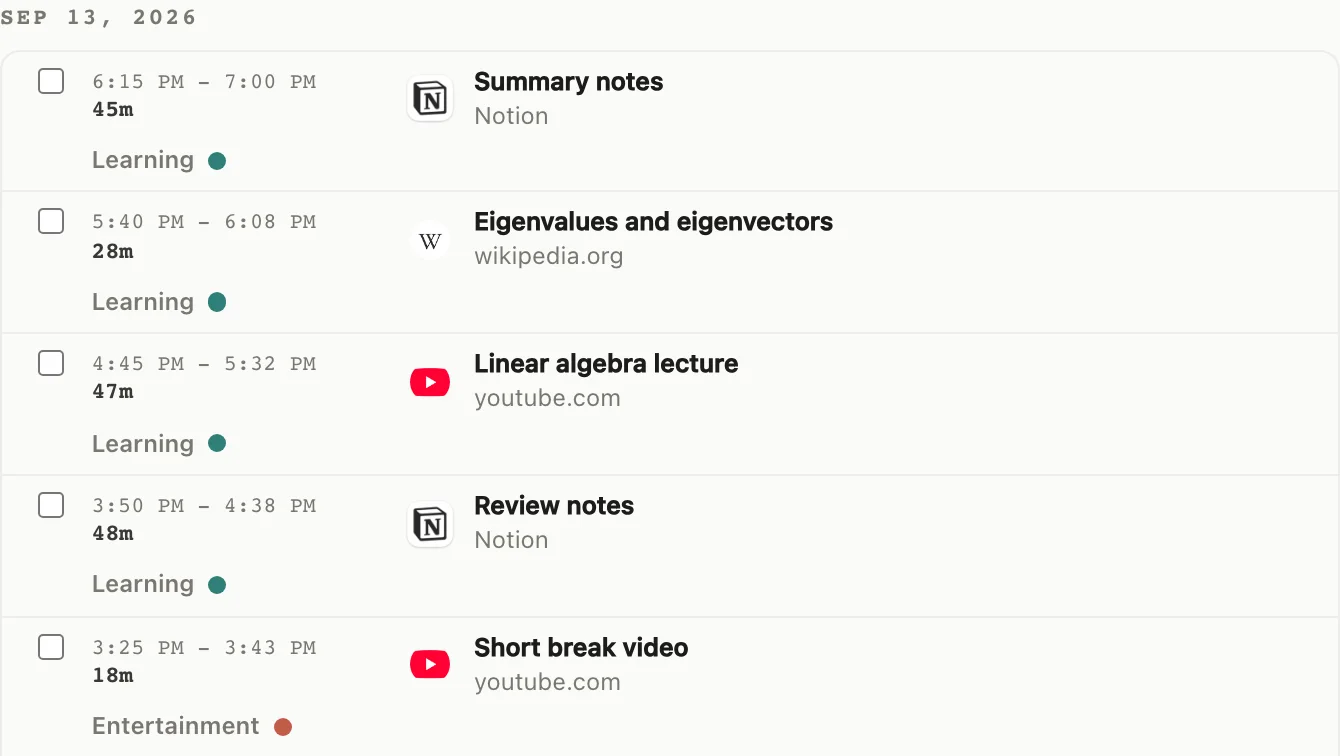
Follow lectures, notes, and research in your Mac activity. Review where study continued and where it turned into unrelated browsing.

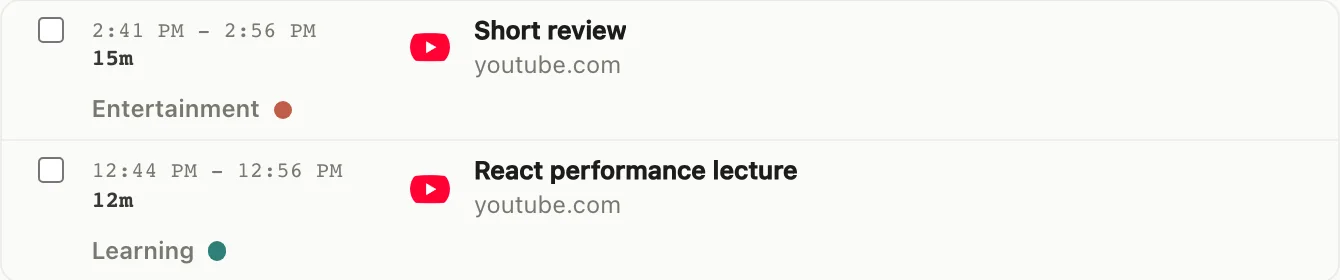
A lecture and an unrelated video can live on the same site. Review the activity context behind each visit instead of treating the service as one fixed category.

drifty helps you review what happened on your Mac. It cannot observe paper notes or off-screen study, and it does not claim that time alone proves learning.
| Study moment | What the record can reveal | What it cannot know |
|---|---|---|
| Lecture and research | Whether a mixed-use site supported the study context or led elsewhere | How well you understood the material |
| Writing and problem solving | When Mac activity stayed with the task and when the flow fragmented | Reading, handwriting, or thinking away from the screen |
| Day and week review | Patterns you can use to adjust the next study session | A grade, productivity verdict, or parental monitoring report |
Review activity time and focus patterns in Your Day, then use what you notice to plan your next session.
Look for stretches where useful research became unrelated browsing.
Compare the week to see when you tended to stay with a study task.

The current public Mac app supports Apple Silicon Macs running macOS 13 or later. See the download page for other platform availability.
Classification uses activity context rather than the video service name alone. Lectures and learning material can be classified as learning or focus, and you can review and correct the result.
No. drifty records Mac activity automatically. It does not automatically observe reading or handwritten notes away from the screen.
Yes. You can inspect recorded activity and correct a classification that does not fit. The record does not promise a learning outcome.
See where your Mac activity stayed with the task, and where it drifted away.